Hermes Agent Profiles: Isolating Agents in Practice
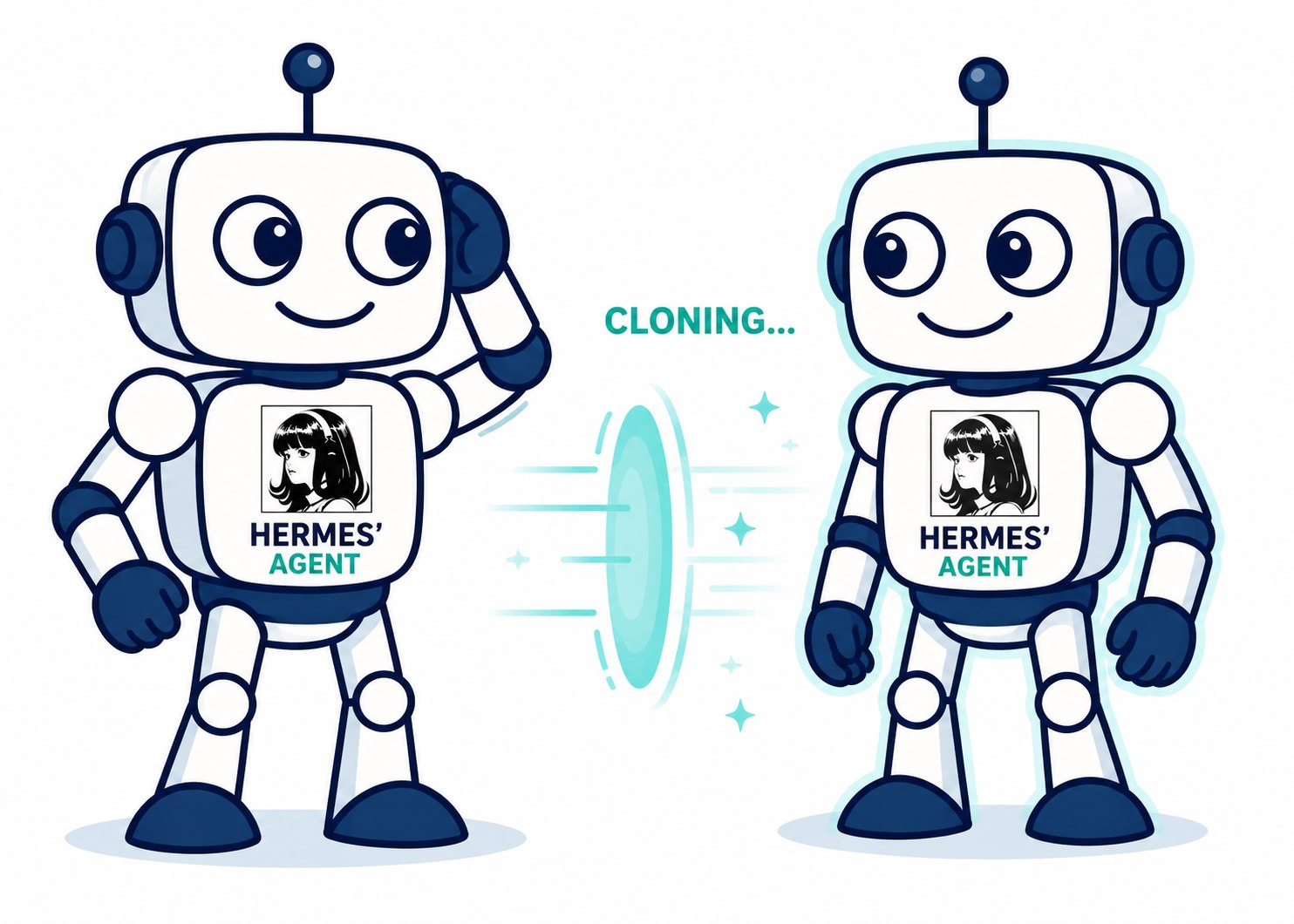
The other day I was setting up a couple of Hermes agents and something obvious finally clicked. I was not creating two copies of the same assistant. I was creating two workers with very different jobs.
One agent was focused on AnkiVocab, my platform for generating Anki flashcards with AI. It needs product context, GitHub issues, browser-extension details, Lambda deployment notes, and the kind of memory that helps it move a SaaS product forward. The other agent was for my Terraform modules. That one needs provider docs, infrastructure conventions, AWS context, and a much lower tolerance for creative improvisation.
Those agents should not share the same brain.
If both agents run against the same ~/.hermes directory, they read the same config.yaml, the same .env, and they accumulate memories and sessions in the same folders. The AnkiVocab agent starts carrying infrastructure assumptions it does not need. The Terraform agent may see product memories, product credentials, or gateway state that should never affect infrastructure work. If both gateway processes point at the same bot token, one of them crashes in a way that takes time to diagnose.
Hermes profiles solve this with a simple model: one directory per agent, one environment variable to switch between them.
Why Isolation Makes Agents Better
Running agents in isolation is not just housekeeping. It has direct effects on focus, safety, and operational reliability.
Context pollution. Without profiles, every workstream writes into the same long-lived agent state: the same memories, the same session database, the same skills, and the same identity file. An agent asked to review a pull request can be influenced by memories from a previous agent that was summarizing personal messages. That irrelevant context consumes tokens and nudges the model toward wrong associations. A separate profile keeps the durable context aligned with the job.
Credential scoping. A shared .env file is an all-or-nothing secret store. Every agent on the machine can read every API key and bot token in it. With profiles, each agent’s .env contains only the credentials it actually needs. If an agent is compromised or misbehaves, the blast radius is limited to the secrets in its own profile directory – not every key on the machine.
Reproducibility. When an agent produces an unexpected result, you need to be able to reproduce the run. A profile that starts from a known baseline – specific config.yaml, specific SOUL.md, no prior memories unless you explicitly clone them – gives you a deterministic starting state. Debugging becomes a matter of replaying a run against a known profile rather than untangling shared mutable state.
Parallelism. Independent profiles let you run multiple agents concurrently without any coordination overhead. Two agents writing to the same profile can interfere with each other through shared memory, cron state, gateway state, and logs. Two agents running in separate profiles write to separate directories, which means you can run them in parallel without treating the profile as a coordination bottleneck.
Two Profiles in Practice
Here is a minimal example contrasting an ankivocab agent (product, GitHub, extension context, SaaS operations) and a terraform agent (AWS, Terraform providers, modules, monitoring). The separation lives in each profile’s .env, config.yaml, SOUL.md, and skills/ directory.
# ~/.hermes/profiles/ankivocab/.env
GITHUB_TOKEN=<ankivocab_repo_token>
STRIPE_API_KEY=<ankivocab_billing_token>
ANTHROPIC_API_KEY=<ankivocab_llm_token>
CLOUDFLARE_API_TOKEN=<ankivocab_dns_token>
# No broad Terraform credentials -- this agent should stay focused on the product

# ~/.hermes/profiles/terraform/.env
AWS_ACCESS_KEY_ID=<infra_access_key_id>
AWS_SECRET_ACCESS_KEY=<infra_secret_access_key>
AWS_DEFAULT_REGION=us-east-1
TF_VAR_environment=production
GRAFANA_API_KEY=<grafana_readonly_token>
# No AnkiVocab product tokens -- this agent is here to work on infrastructure modules
The ankivocab agent runs with hermes -p ankivocab chat (or just ankivocab chat via alias) and loads the product lane’s credentials, memory, skills, and identity. The terraform agent runs independently with its own gateway process and its own operational guardrails. Neither accidentally uses the other’s long-lived state, and both can run at the same time without sharing a profile.
What a Profile Is
A profile is a separate Hermes home directory at ~/.hermes/profiles/<name>/. Each profile is a complete, self-contained environment with its own configuration, state, and runtime.
The mechanism behind this is the HERMES_HOME environment variable. Throughout the Hermes codebase, path resolution goes through get_hermes_home() instead of assuming a single global ~/.hermes directory. When you run an agent under a specific profile, every file read and write happens inside that profile’s directory – config, memories, sessions, skills, cron jobs, and gateway state.
The default profile is ~/.hermes itself. You do not migrate anything to start using profiles; the default continues to work as before.
When you create a profile named coder, Hermes also creates a shell alias at ~/.local/bin/coder. That alias is hermes -p coder under the hood, so typing coder chat is the same as hermes -p coder chat.
Creating a Profile
There are four creation modes:
hermes profile create coder                  # blank profile, creates "coder" alias
hermes profile create work --clone           # copy config.yaml, .env, SOUL.md only
hermes profile create backup --clone-all     # copy everything including memories and sessions
hermes profile create work --clone --clone-from coder  # clone from a specific profile
Blank creation gives you a clean slate. The --clone flag is useful when you want a new agent to start with the same model and API keys but no prior context. The --clone-all flag is useful for backups or branching off an agent that already has useful memories.
Isolated vs. Shared State
Without profiles, all agents converge on the same state. With profiles, each agent operates in its own lane.
What Each Profile Owns
Every profile directory contains:
config.yaml– model, provider, and all Hermes settings.env– API keys, bot tokens, and environment-specific secretsSOUL.md– the system prompt that shapes the agent’s personamemories/– persistent facts the agent has storedsessions/– conversation historyskills/– profile-specific procedures and capabilitiescron/– scheduled tasks- gateway state – PID file and SQLite database for the running gateway process
Profiles Are Not Sandboxes
This is worth stating clearly: profiles isolate Hermes state, not filesystem access.
On the local terminal backend, the agent still runs as your user and has full access to your home directory and every file your user can read or write. Setting up a coder profile does not prevent that agent from touching files outside ~/.hermes/profiles/coder/.
The SOUL.md in a profile guides the model toward a certain behavior, but it does not enforce any boundaries at the OS level.
If you want a predictable working directory per agent – so that terminal commands start in the right project folder – set terminal.cwd explicitly in that profile’s config.yaml. That controls where the agent’s shell starts, which is a separate concern from HERMES_HOME.
Gateway Isolation
Each profile runs its own gateway process with its own bot token defined in its .env file. Telegram, Discord, Slack, WhatsApp, and Signal are all supported.
When you start a gateway for a profile, it reads its token from that profile’s .env. If two profiles accidentally share the same bot token, Hermes detects the conflict through a token lock mechanism. The second gateway is blocked immediately with a clear error message that names the conflicting profile, so you can fix the .env before anything unexpected happens.
You can install each gateway as a separate system service:
coder gateway install       # installs coder profile gateway as systemd/launchd service
assistant gateway install   # installs assistant profile gateway as systemd/launchd service
Inside Docker, s6-overlay supervises per-profile gateways and restarts them automatically on crash.
Day-to-Day Usage
Once you have profiles set up, you interact with them through the alias, the -p flag, or the sticky default:
coder chat                    # alias targets coder profile directly
coder gateway start           # start the coder gateway
hermes -p coder chat          # explicit flag, same result
hermes profile use coder      # set coder as the sticky default (like kubectl use-context)
hermes profile use default    # switch back to the default profile
To inspect what a profile looks like at any point:
hermes profile show coder
That gives you output like this:
Profile: coder
Path:    ~/.hermes/profiles/coder
Model:   <model> (<provider>)
Gateway: stopped
Skills:  12
.env:    exists
SOUL.md: exists
Alias:   ~/.local/bin/coder
Other management commands are straightforward:
hermes profile list
hermes profile rename coder dev-bot
hermes profile export coder          # produces coder.tar.gz
hermes profile import coder.tar.gz
hermes profile delete coder          # stops gateway, removes alias, deletes all data
The delete command handles cleanup atomically – it stops the gateway, removes the shell alias from ~/.local/bin/, and removes the profile directory.
Wrapping Up
Profiles give you a clean separation of agent state without requiring any infrastructure changes. The mechanism is simple enough that you can reason about what each agent owns just by looking at its directory. If you are running more than one Hermes agent on the same machine, the time to create profiles is before the memories start accumulating in the wrong place.